
Cricut Heat Press DTF Transfer Guide
Applying Prime DTF transfers with your Cricut heat press is quick and easy.
Follow these steps for perfect results every time.
Step 1
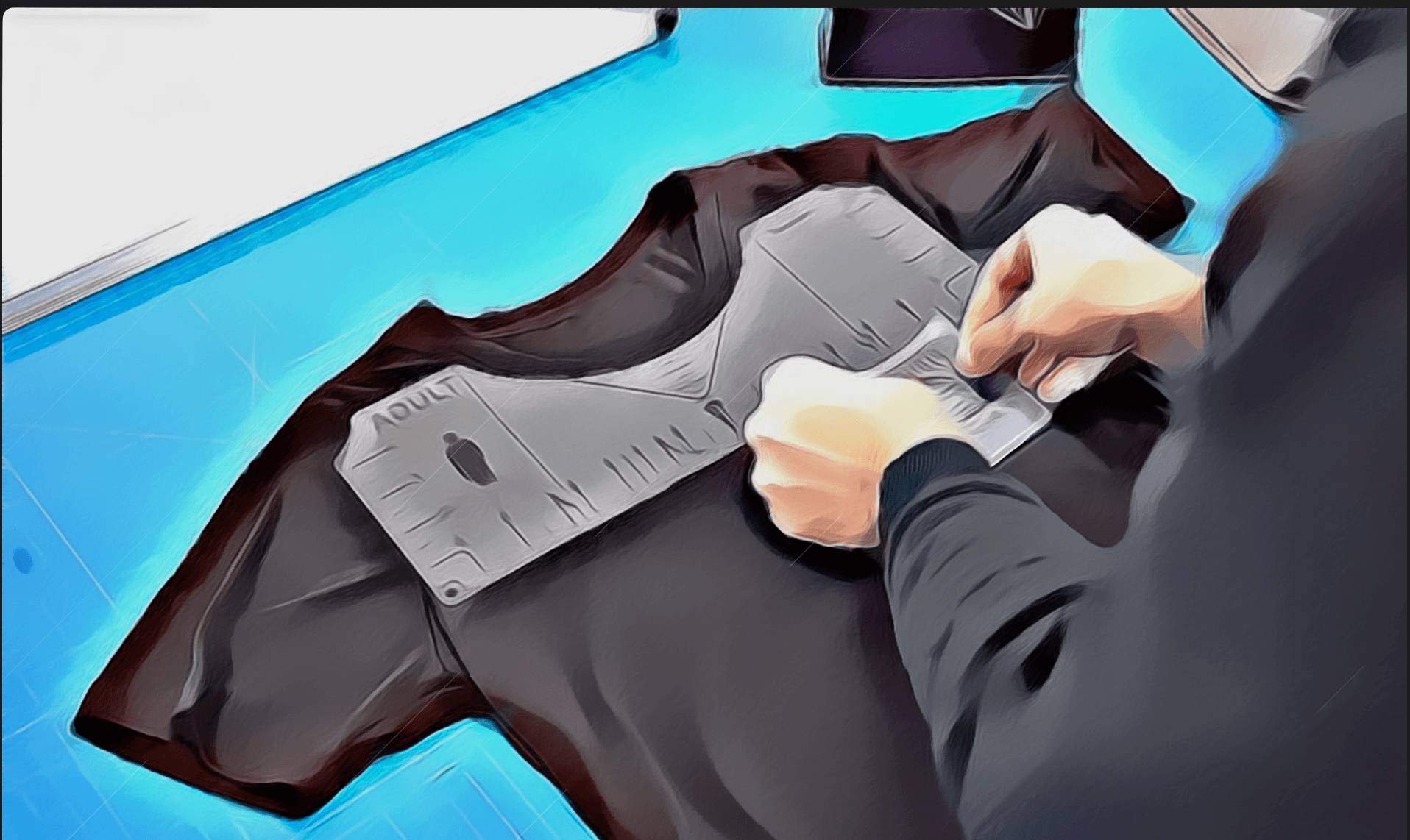
Step 1
Set your Cricut to 310°F (155°C). Place your garment on the base plate. Position the DTF transfer with the design side facing UP (film side down).
Step 2
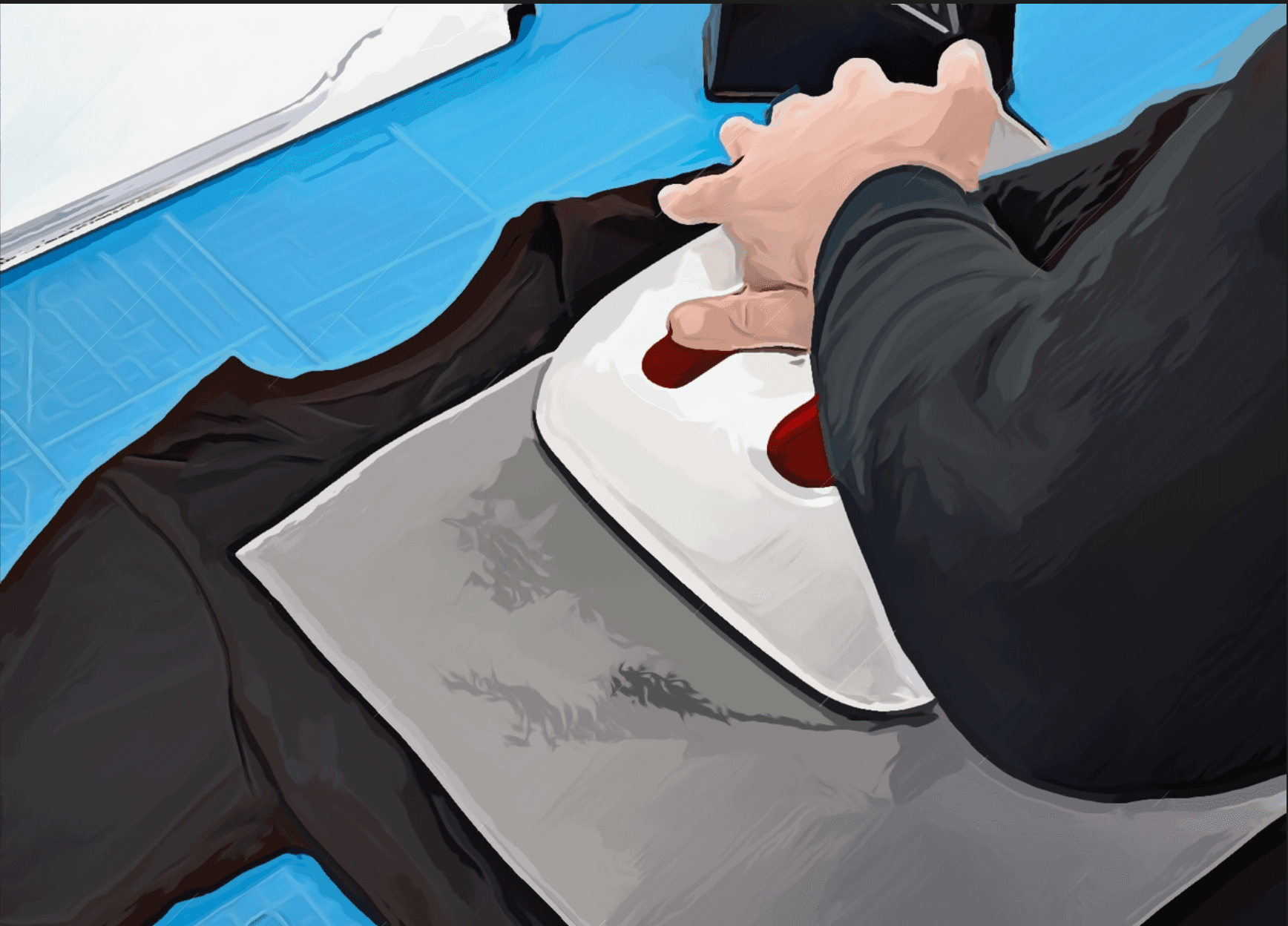
Step 2
Close the Cricut heat press and apply firm, even pressure for 12-15 seconds. Make sure the entire design receives consistent heat and pressure.
Step 3
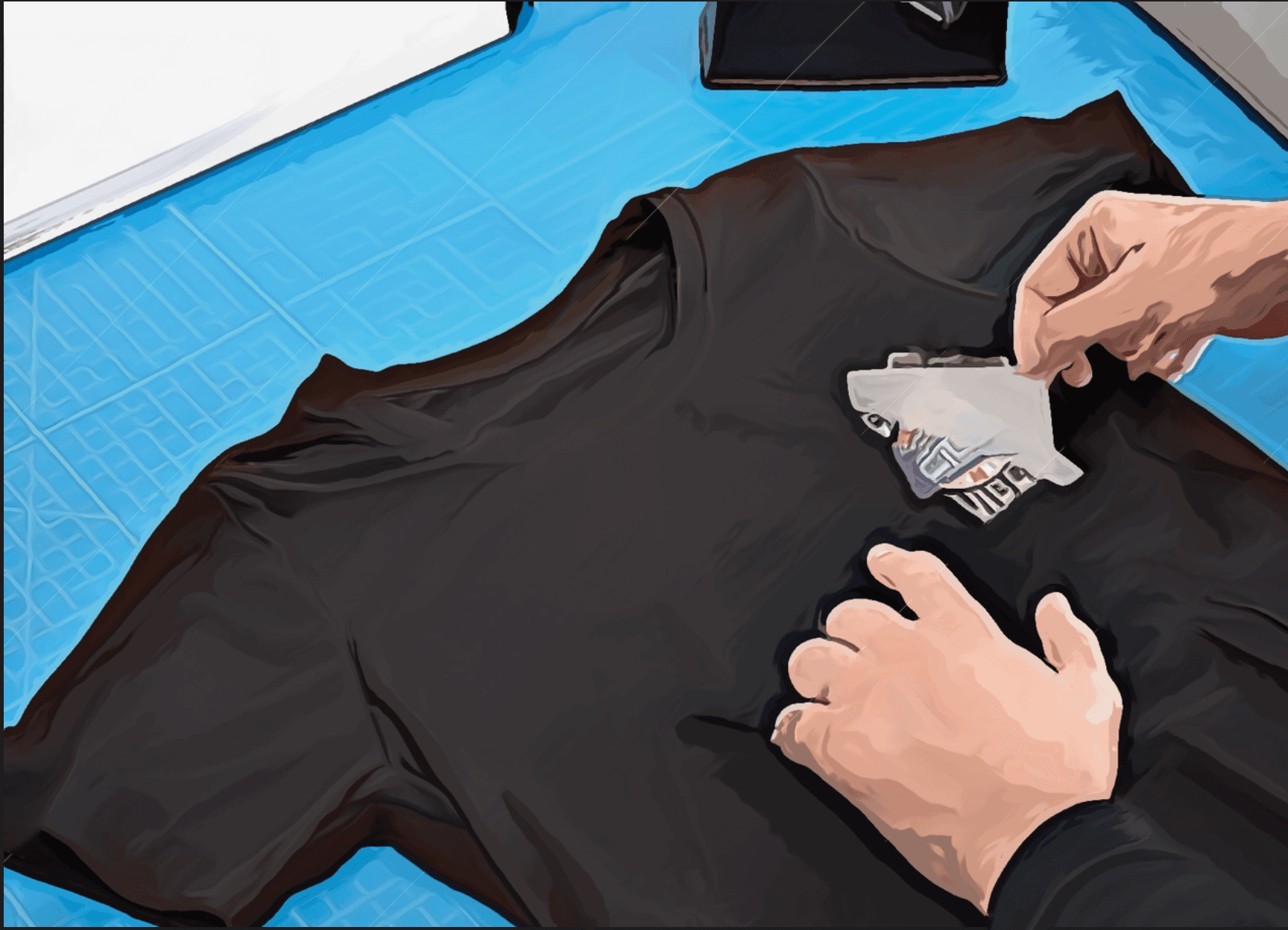
Step 3
Open the press and immediately peel away the carrier film while still hot. Our Fusion Flex technology works perfectly with hot peel. Be careful not to touch the heated areas.
Step 4
Step 4
Cover the design with a protective sheet (parchment paper or Teflon sheet) and press again for 5-10 seconds to fully set the transfer and maximize durability.
Important Notes:
- ✓Even Pressure: Apply firm, consistent pressure throughout the pressing cycle. The Cricut's built-in timer will help ensure proper timing.
- ✓Flat Surface: For best results, ensure your garment is on a flat, stable surface with no seams or thick areas under the transfer.
- ✓Wait Before Washing: Allow 24 hours before the first wash for optimal adhesion.
- ✓Care Instructions: Wash inside out in cold water. Tumble dry low or hang dry for best longevity.
Ready to Create Something Amazing?
Upload your design and get started with Prime DTF transfers today!
UPLOAD YOUR DESIGN